


Visualization of your systems in dashboards
Part of the Netbiter View & Control and Manage & Analyzer service packages.
 A Modbus interface is required on your device (e.g. PLC, machine, system controller) for system visualization.
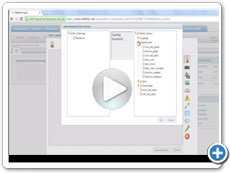
Graphical representation of your installations in the field
Dashboards are graphical representations that reflect your installations in the field. The log data recorded by the Netbiter Gateways in the field is visualized in the dashboards in the Netbiter Argos data portal.
You can add images as well as analog and digital elements (such as instruments with levels, meters, etc.) to the layout. This allows you to create a system image that shows the current system status during the operating phase.
- Simple visualization of your system
- Add live parameters to your dashboard using drag & drop
- Use the image gallery or integrate your own images into your dashboard
- Save the dashboard as a profile and reuse it for new installations (Manage & Analyzer)
Netbiter Dashboard - Examples
Here you can see a few examples of Netbiter Argos dashboards for different industries and field devices.
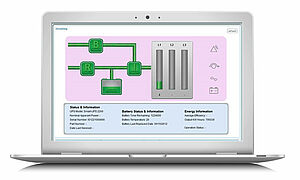

Fill level monitoring
A Netbiter Gateway determines the exact fill level of tanks. You see all level changes and receive alarms when certain limit values are reached.
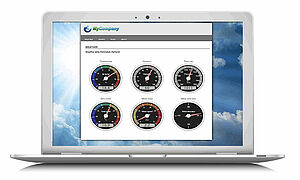
Customized dashboard
This website is customized and dynamically displays values provided in real time by the system in the field via the Netbiter Argos API.
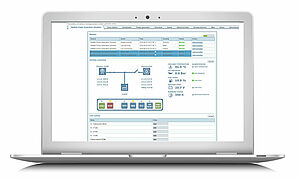
Aggregates
Netbiter Argos offers ready-made dashboards for many gensets. The dashboard shows all important parameters such as diesel fill level or oil pressure. It is also possible to start the generator remotely and acknowledge alarms.
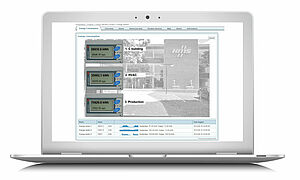
Energy consumption
Netbiter monitors the energy consumption of various areas, e.g. lighting, heating, air conditioning in offices and machines in a production facility.
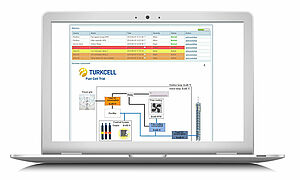
Mobile radio base stations
Monitor and control all parameters of a mobile base station. Check power consumption, battery levels, temperature, humidity, etc.
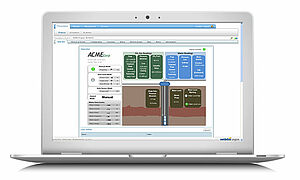
Gas production
The drilling depth, pressure, water levels etc. are monitored in this dashboard. You can even store start/stop commands for your drilling equipment.
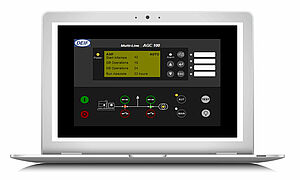
CHP control
With Netbiter Argos, you can simulate the display of your CHP control system in the dashboard and display the desired parameters.
Customized user interface
Customer-specific adaptations to the Netbiter Argos user interface are only possible with the Manage & Analyze service package.
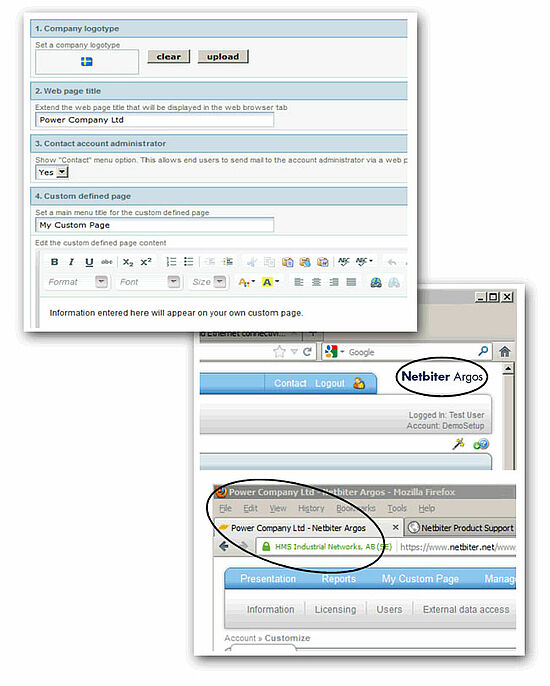
Customizing the user interface
You can change the user interface in Netbiter Argos and customize the dashboard in your own design, for example.
Netbiter Argos offers several options for this:
- Change the graphic interface to give your account a personal touch
- Use the Netbiter API to create a customized solution
The following customizations are possible:
- Company logo: Your company logo can be placed at the top right
- Website title: Displayed in the title bar and in the web browser tab
- Contact administrator: Via "Contact account administrator" you can add to the main menu so that users can send a message to the administrator of the Netbiter Argos account via web form.
- Custom page: "Custom defined page" provides you with an additional menu item / tab in the main menu which you can use to display an optional page with customized information. For example, to display information about your company, the account or other information.
 to top
 Contact
 Request form